How to Create the Ultimate Gaming Setup at Home
GFH (Game From Home)
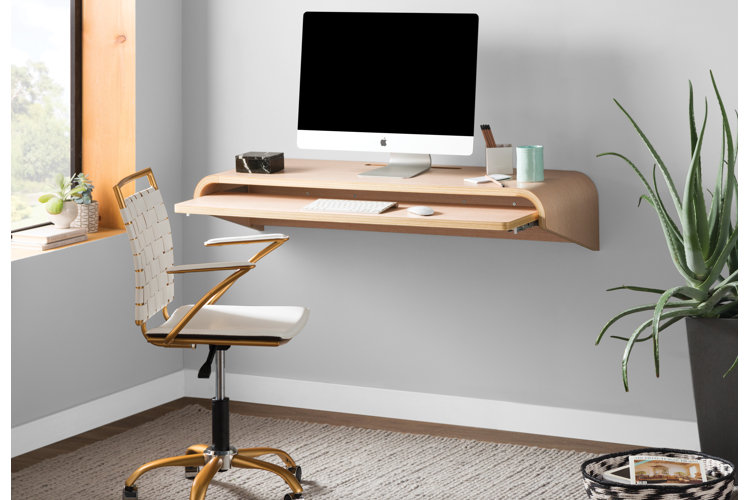
The gaming setup – the entertainment centre at which video games are played – is the heart of any gaming room. Below are some gaming room ideas to help you put together all the necessary gaming components (plus accessories) to create your optimal gaming setup, whether you're playing on a PC or a video game console.
In This Guide:
How to Create a PC Gaming Setup
How to Create a Console Gaming Setup
How to Decorate a Gaming Room
PC Gaming Setup
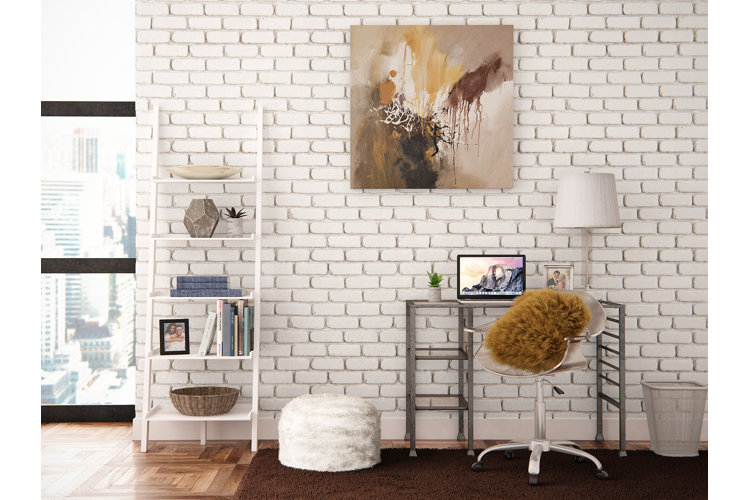
At its core, a PC gaming setup (also called a battle station) is comprised of a gaming chair, gaming desk, keyboard and mouse, one or more monitors and the PC itself. Once you have the basics in place, you can accessorise to elevate and personalise your gaming setup. Keep reading for a closer look at how to choose the best PC gaming components for your gaming setup.
PC Gaming Chair
Since you'll be spending a lot of your time sitting in your gaming chair, it's important to choose a chair that is well-suited to your specifications and comfort needs. It can be tempting to opt for a less expensive desk chair for your gaming setup, but sacrificing comfort is never ideal – investing in a higher-cost, good-quality gaming chair is investing in the overall comfort and quality of your gaming setup.
PC gaming chairs are similar to common office chairs in appearance and function – they have arm rests and wheeled bases and are often adjustable in both height and angle of recline. PC gaming chairs can also be equipped with a multitude of additional features including built-in speakers (some with Bluetooth capabilities), adjustable armrests and even massage functions for ultimate comfort.
When choosing a PC gaming chair, the three most important considerations are ergonomics, material and size. Be sure to choose a chair with lumbar support or full-body support to minimise back and body pain while gaming for an extended period of time. Keep material in mind – leather, faux leather and vinyl are durable and easy to clean but not very breathable and mesh, cotton and microfibre are more breathable and comfortable but less durable and more difficult to clean.
Finally, be sure to choose a chair that can accommodate your life stage (kids, teens, adults), weight and space needs.
PC Gaming Desk
You can be a little less particular when choosing a gaming desk. Ultimately, what matters most when deciding on a desk size and shape are your space requirements and the size of your gaming chair.
You'll want to choose a desk with a broad, flat surface that can comfortably accommodate your monitors, keyboard, mouse and other accessories. It's also helpful to choose a gaming desk with storage shelves or drawers beneath so you can store your games, controllers and other accessories. Some even come with a shelf that can keep your PC off of the floor and properly ventilated or cup holders that help minimise the likelihood of disastrous spills.
If you have a lot of open space against one wall, you can go with a simple rectangular gaming desk. If you need to fit a gaming desk in a corner or if you need more surface area, choose an L-shaped gaming desk. Before you buy, ensure that the desk is tall enough for your legs to fit beneath it when you're sitting comfortably in your chair.
PC Gaming Monitors
It's essential for your PC gaming setup to comfortably accommodate your monitor or monitors. Minimising neck strain is crucial – just like choosing a gaming chair, comfort is key when configuring your gaming monitors. It's also important to make sure your gaming setup isn't haphazard – the last thing you'd want in the middle of a game is your monitor crashing down on you.
In order to avoid neck strain, elevate your monitors slightly above eye level. To do so, you can fix your monitors onto sturdy monitor mounts. These sit on your desk or attach firmly to your wall. If you'd like more freedom of monitor position, opt for a height-adjustable mount, an articulating mount or a full-motion mount. If you'd like to set up more than one monitor, go with a multi-monitor mount.
PC Gaming Accessories
Ensure that your keyboard stays put and your mouse has proper traction by placing a combination keyboard and mouse pad beneath them. If you're equipping your gaming setup with a set of speakers, mount them on desktop or floor speaker stands to improve sound quality and minimise desk clutter. Keep cables under control with cable management solutions.
If you're planning on spending hours at a time gaming, hydration and nutrition can be important considerations for you. Think about setting yourself up with a mini fridge that can hold cold water and snacks so you don't forget to take care of yourself during long gaming sessions.
Whether you're playing on an Xbox, PlayStation or Nintendo Switch, your console gaming setup requires a few essentials. Make sure you're able to enjoy your games to their full potential by building a fully equipped console gaming setup that emphasises comfort and function.
Console Gaming Chair
While many PC gamers prefer playing close to eye level with their monitor or monitors, most console gaming setups include a floor gaming chair paired with an elevated TV. This promotes the more comfortable, relaxed gameplay made possible by smaller, handheld controllers.
Console gaming chairs are available in two styles: rocker and floor. Rocker chairs are sturdy, L-shaped chairs that rock freely from front to back and can be reclined at the gamer's convenience, while floor chairs mostly take the form of large, soft cushions or bean bag chairs. Because of their structure, rocker gaming chairs provide slightly more support than floor chairs, while floor chairs tend to be more comfortable.
Similar to choosing a PC gaming chair, it's important to keep in mind material, life stage and size when choosing a console gaming chair.
Console Gaming TV
Most console gaming setups include an entertainment center, TV stand or TV mount that elevates the TV above eye level. Ideally a TV stand or entertainment center will also include ample storage space for multiple consoles, controllers, chargers, headsets and other accessories.
For a thorough look at how to choose a TV stand or entertainment center, check out our guide: The Best Stands to Display Your TV and Media Set Up. If you'd like to mount your TV directly to your wall or ceiling, then check out Mounting a TV? Let our Experts Guide you and get your TV situated properly.
Game Room Decorating Ideas
Once the essentials are in place, it's time for the finishing touches: video gaming decor. Keep reading for some game room decorating ideas.
Blackout Curtains: Minimise glare on your screens by installing blackout curtains over your windows.
LED Lighting: No gaming setup is complete without futuristic, customisable LED lighting. Combat the darkness created by your blackout curtains by placing LED lighting along your ceiling or under the rim of your desk or shelving units. Some options even come with a remote that allows you to change the bulb's colour, brightness and strobe effect.
Fluorescent Lighting: Take your game room decor to the next level by highlighting it with fluorescent lighting.
Floating Shelves: Put your collectibles on display on floating shelves that will look cool and modern staggered at different places on your wall.
Graphic Prints & Posters: Personalise your gaming setup by plastering the walls with graphic prints and posters.
Artificial Plants: Though your gaming room may not receive a lot of natural light, you can still decorate with artificial plants. Adorn your desk with trendy artificial succulents to freshen up the space without the need for a green thumb.
